Project Categories: Wordpress

  • Dark Palette WordPress Plugin

    Dark Palette WordPress Plugin

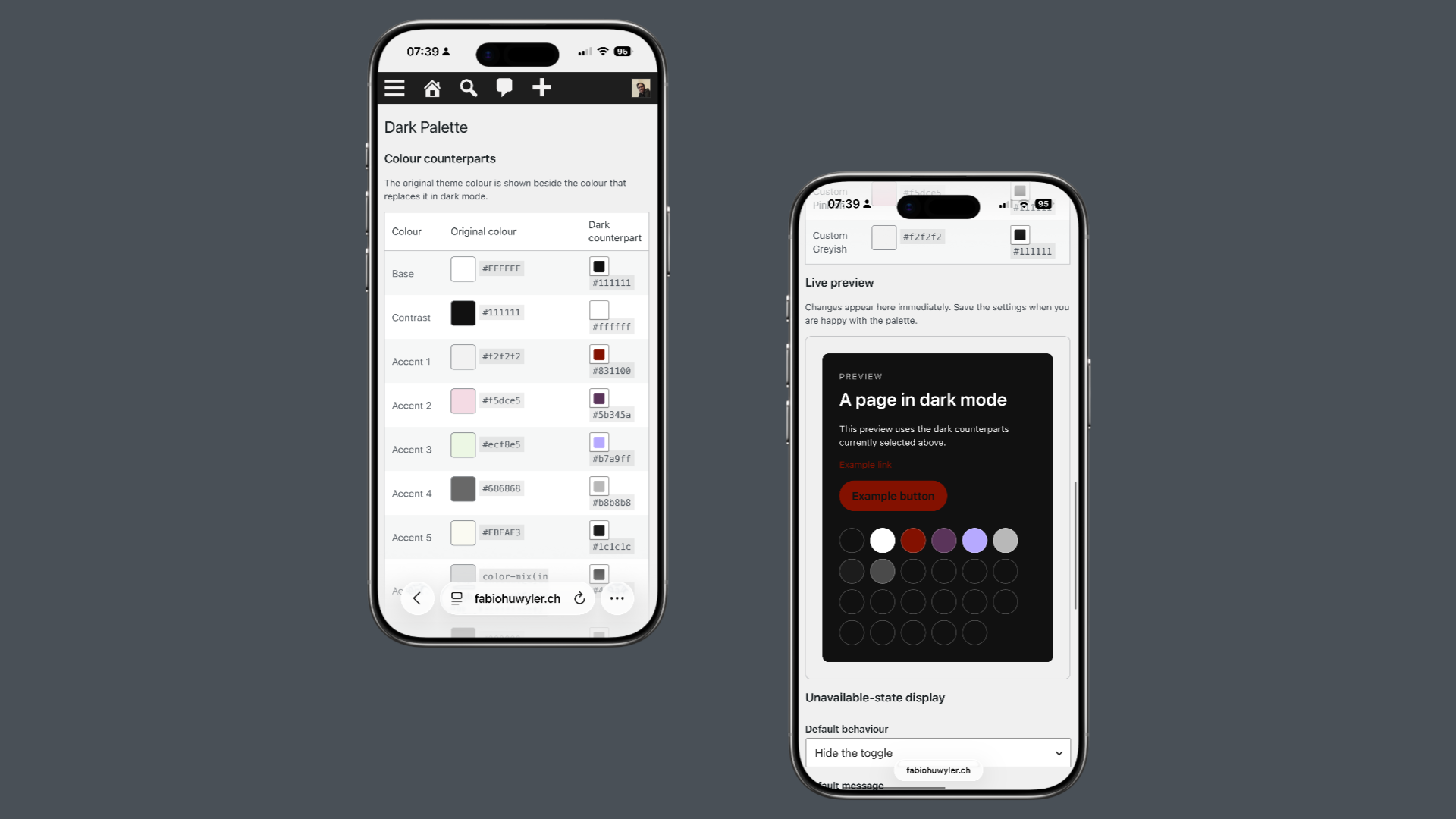
    The idea is simple: every color in a theme’s palette can have a custom dark counterpart. When visitors switch to dark mode, the plugin replaces the original palette with the dark one while keeping the site’s design intact. This approach creates a lightweight, accessible and consistent dark mode experience that feels like a natural part of WordPress.

    The plugin includes an Appearance Toggle block with Light, Dark and Auto modes, remembers visitors’ preferences and respects their operating system settings. Site owners can define custom dark colors for every palette color, disable dark mode on specific pages, templates or special areas such as search results, archive pages or the login screen, and decide how visitors are informed when dark mode is unavailable.

    Dark Palette was developed with the support of ChatGPT. I designed the concept, features, user experience and overall architecture, while ChatGPT helped me translate ideas into working code. It became a great example of how human creativity and AI-assisted development can complement each other to build thoughtful software.
  • Website Silvan Strub 

    Website Silvan Strub 

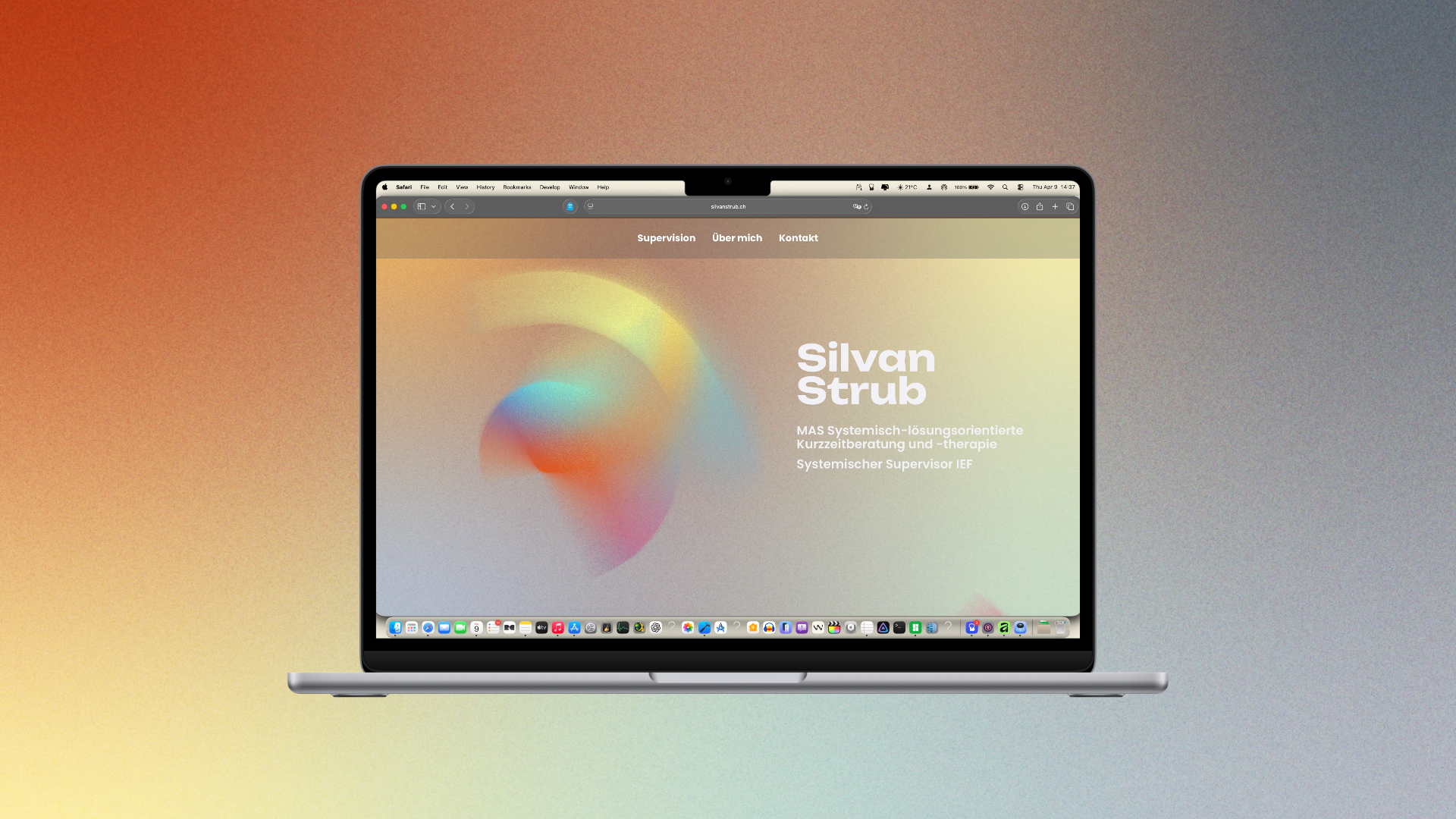
    Webseitengestaltung für Silvan Strub, systemische Supervision.

  • Rainbow Display Plugin

    Rainbow Display Plugin

    Display the inclusive rainbow-colors on your website.

    Queer Support is important. And this plugin is an easy way to show your support for queer people or to show your pride.

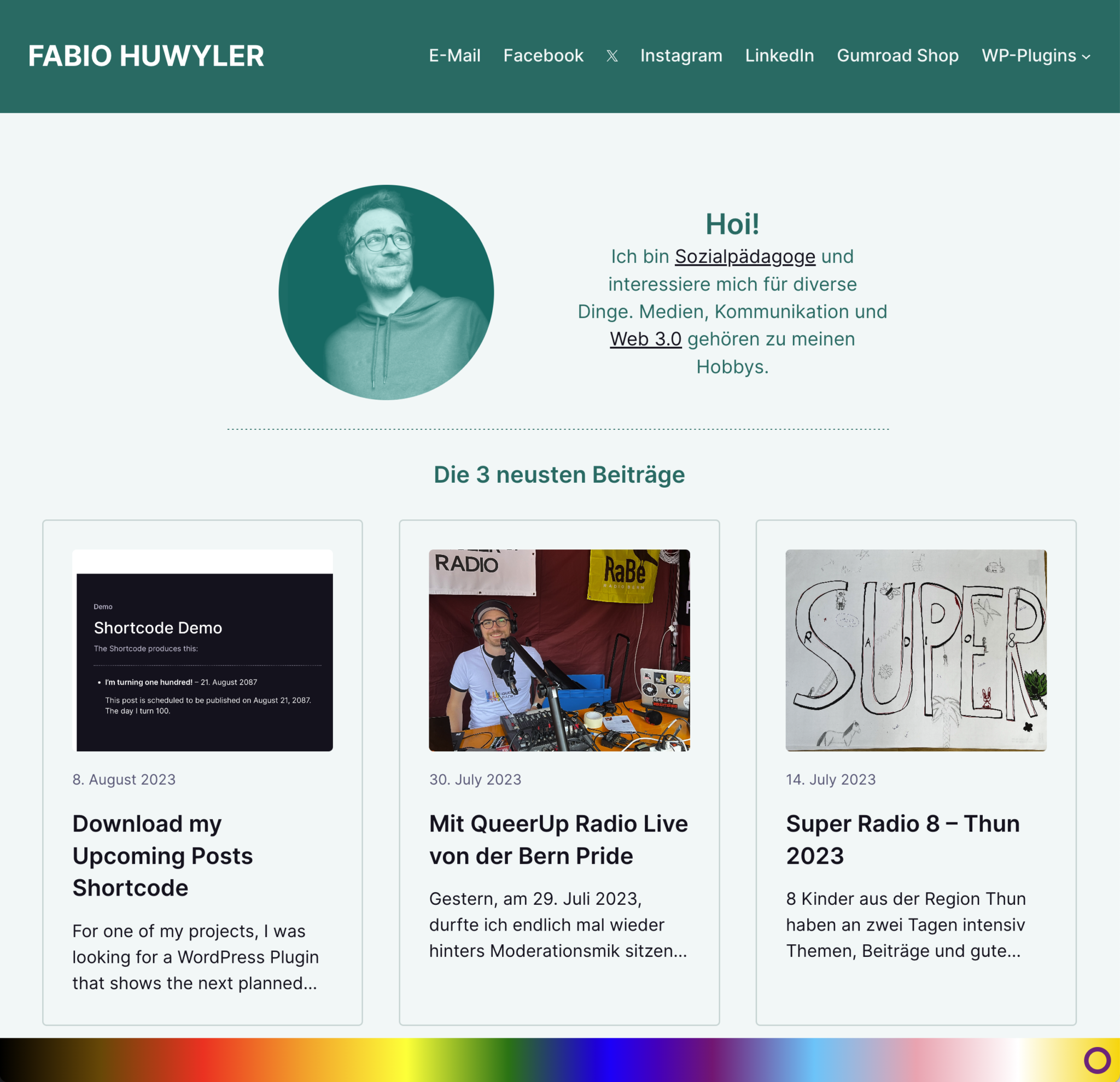
    The rainbow is placed on the bottom of the screen. Doesn’t matter how big the screen is. It’s responsive.

    DOWNLOAD


    How to use the plugin

    • Download the plugin
    • Install and Activate:
      • Install it via the WordPress Plugin Installer.  Plugins -> Install -> Upload the ZIP
      • Activate it
    • Use the plugin
      All available options are located in “Settings” -> “Rainbow Display”
      • Decide, where to show the rainbow.
        You can show the rainbow either on every page or only on your Frontpage.
      • Decide, how big the rainbow should be
        You can decide between the heights 30px – 100px.

    Changelog

    #Version 1.1 (August 12, 2023)
    - It's now possible to change
    the height of the rainbow.

    #Version 1.0 (August 12, 2023)
    Initial Release
  • Upcoming Posts Shortcode

    Upcoming Posts Shortcode

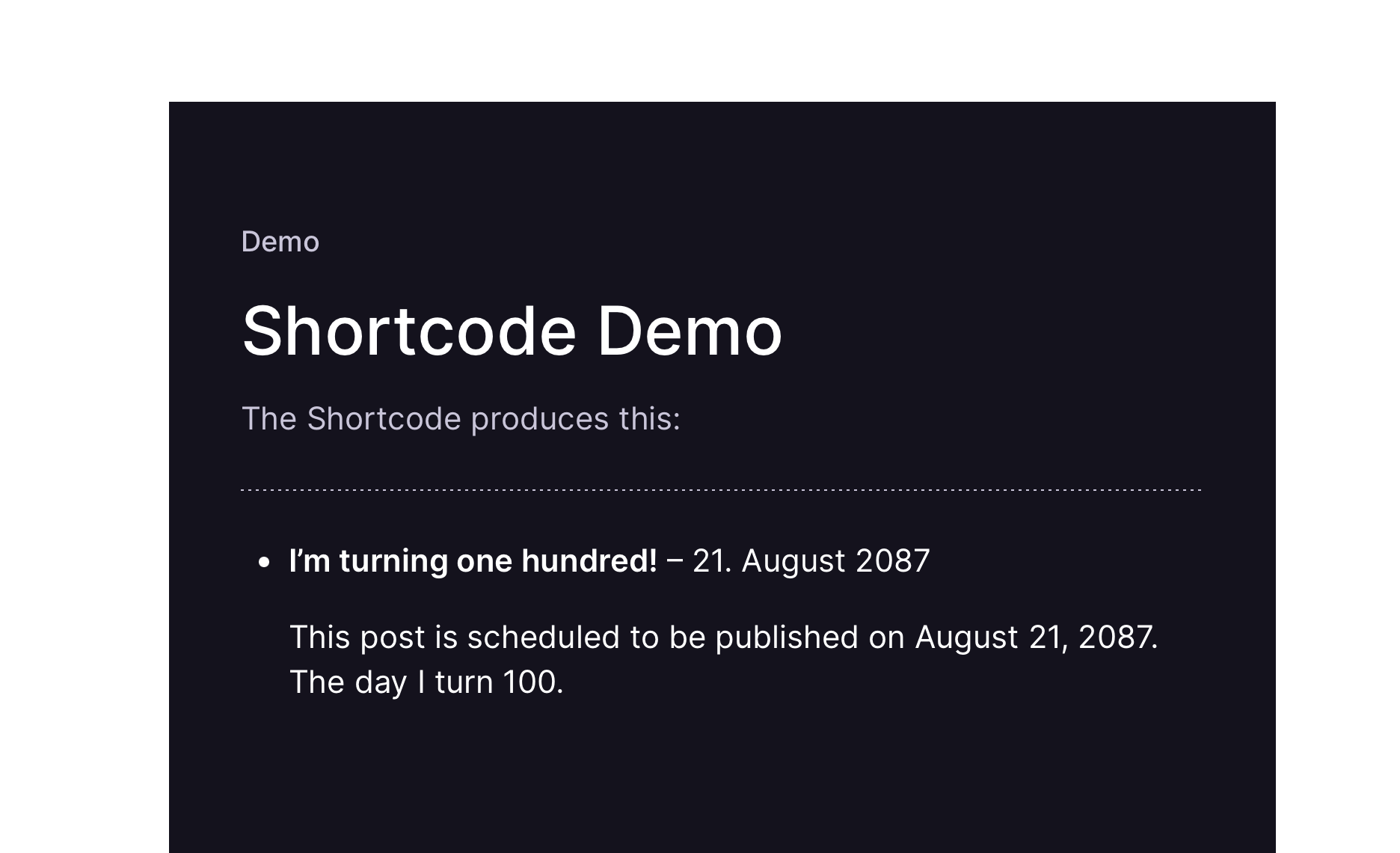
    A shortcode, showing planned posts.


    For one of my projects, I was looking for a WordPress Plugin that shows the next planned posts in a widget. The one Plugin in the WP Repository seemd too “strong” to me, I wanted something more minimalistic. 
    So, I did my own minimalistic Plugin. 

    You can use it, improve on it and do with it, whatever you want.


    Demo of the Plugin

    [upcoming_posts]


    How to use the Shortcode

    Download the plugin
    This link will always let you download the latest version of the plugin

    Install & Activate
    Install it via the WordPress Plugin Installer. 
    Plugins -> Install -> Upload the ZIP
    -> Activate it

    Use the shortcode
    The Shortcode is: 

    [upcoming_posts]

    If you are using the Classic Editor: 
    Just put in the shortcode.

    If you are using the Gutenberg Editor:
    Add a shortcode-block and paste in the shortcode. 

    By default, it will show the next 5 upcoming posts. If you want to show a different number, use the numberposts attribute, e.g. 

    [upcoming_posts numberposts="10"]

    I am working on a Version of this plugin that is a Block.
    With it, you can place a block in the Gutenberg Editor.