
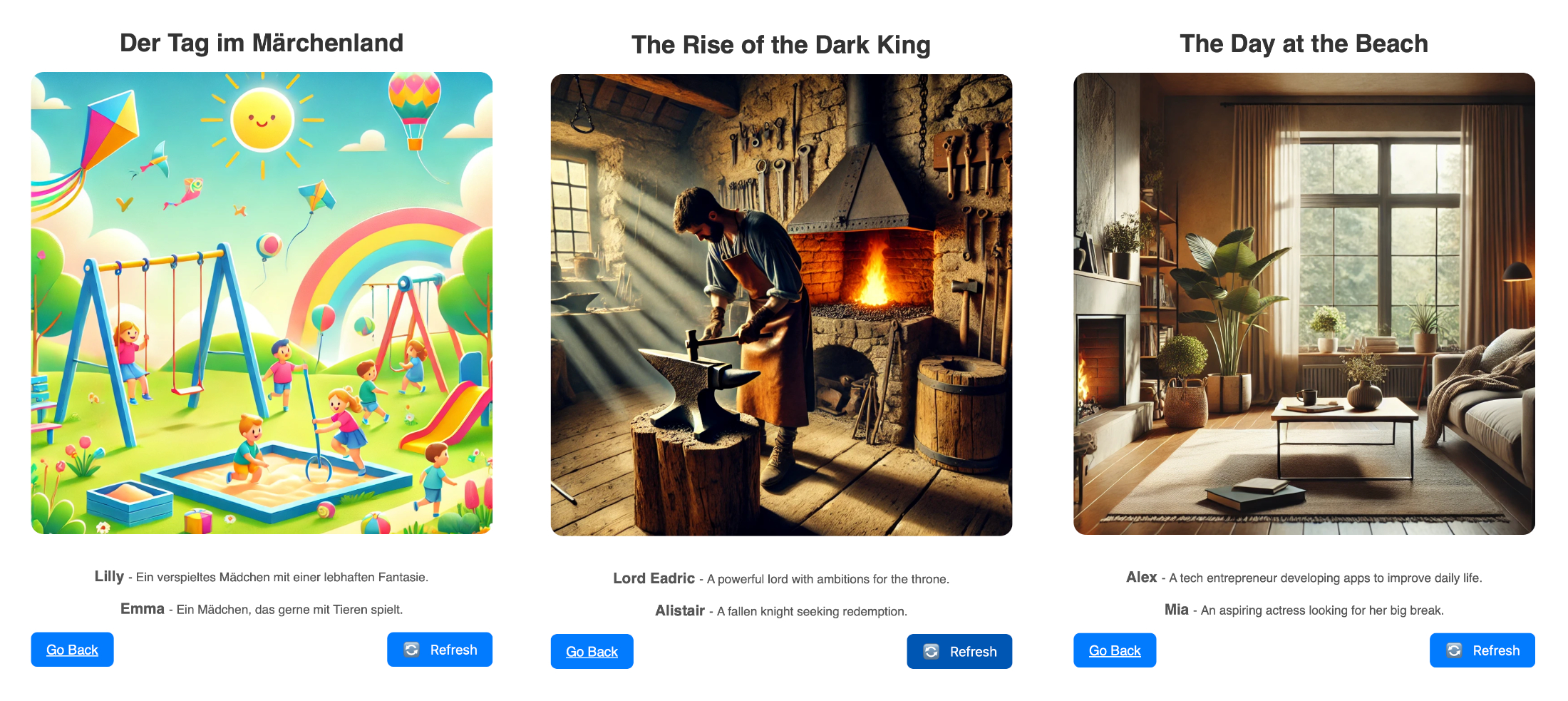
Unleash your creativity with randomly generated scenes! Whether you’re looking for medieval adventures, everyday scenarios, or kid-friendly adventures (only in german), ImproHelper provides endless ideas for improvisation.
Project Categories: Code
-
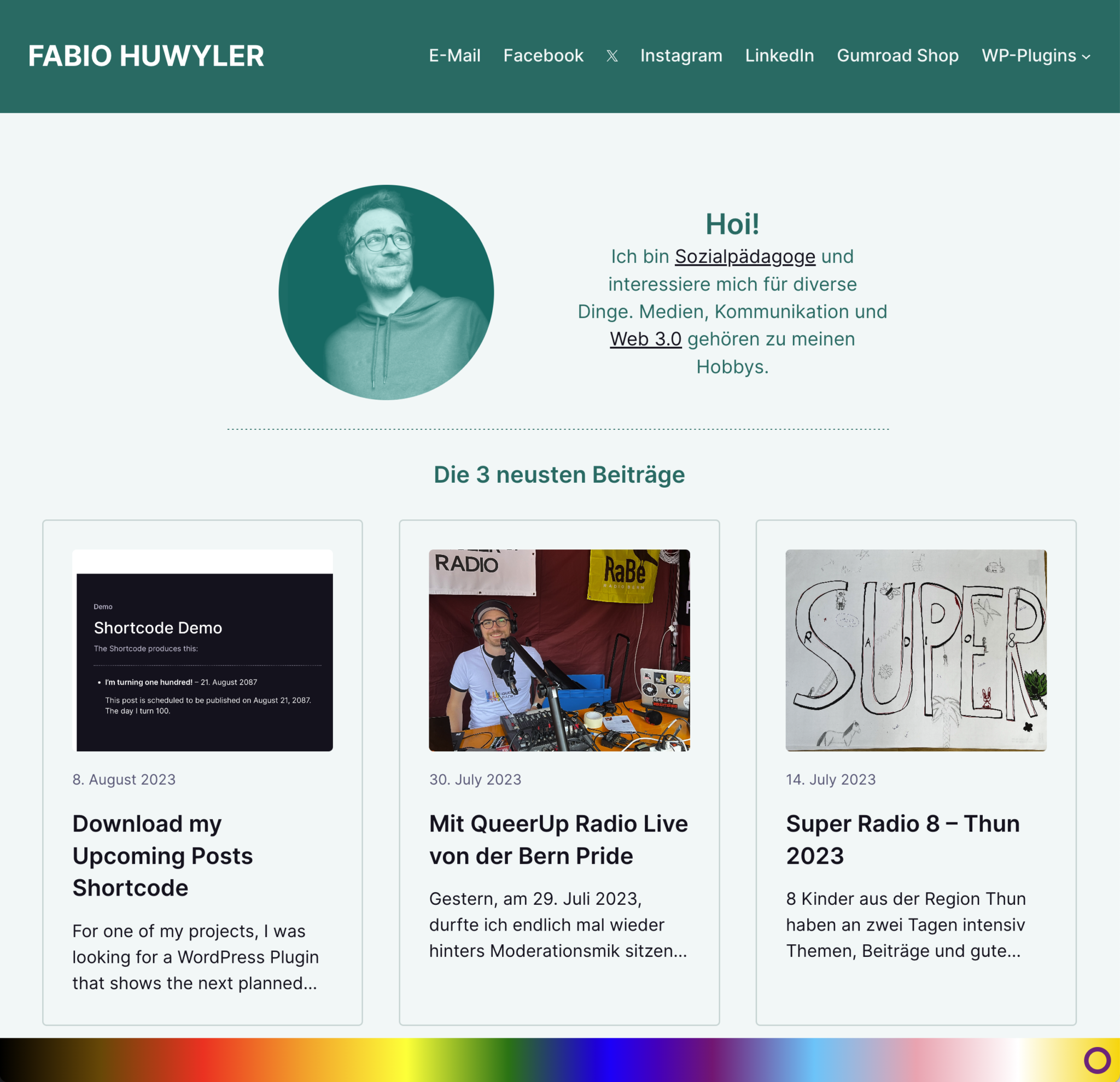
Rainbow Display Plugin
Display the inclusive rainbow-colors on your website.

Queer Support is important. And this plugin is an easy way to show your support for queer people or to show your pride.
The rainbow is placed on the bottom of the screen. Doesn’t matter how big the screen is. It’s responsive.
DOWNLOAD
How to use the plugin
- Download the plugin
- Install and Activate:
- Install it via the WordPress Plugin Installer. Plugins -> Install -> Upload the ZIP
- Activate it
- Use the plugin
All available options are located in “Settings” -> “Rainbow Display”- Decide, where to show the rainbow.
You can show the rainbow either on every page or only on your Frontpage. - Decide, how big the rainbow should be
You can decide between the heights 30px – 100px.
- Decide, where to show the rainbow.
Changelog
#Version 1.1 (August 12, 2023)
- It's now possible to change
the height of the rainbow.

#Version 1.0 (August 12, 2023)
Initial Release -
Upcoming Posts Shortcode
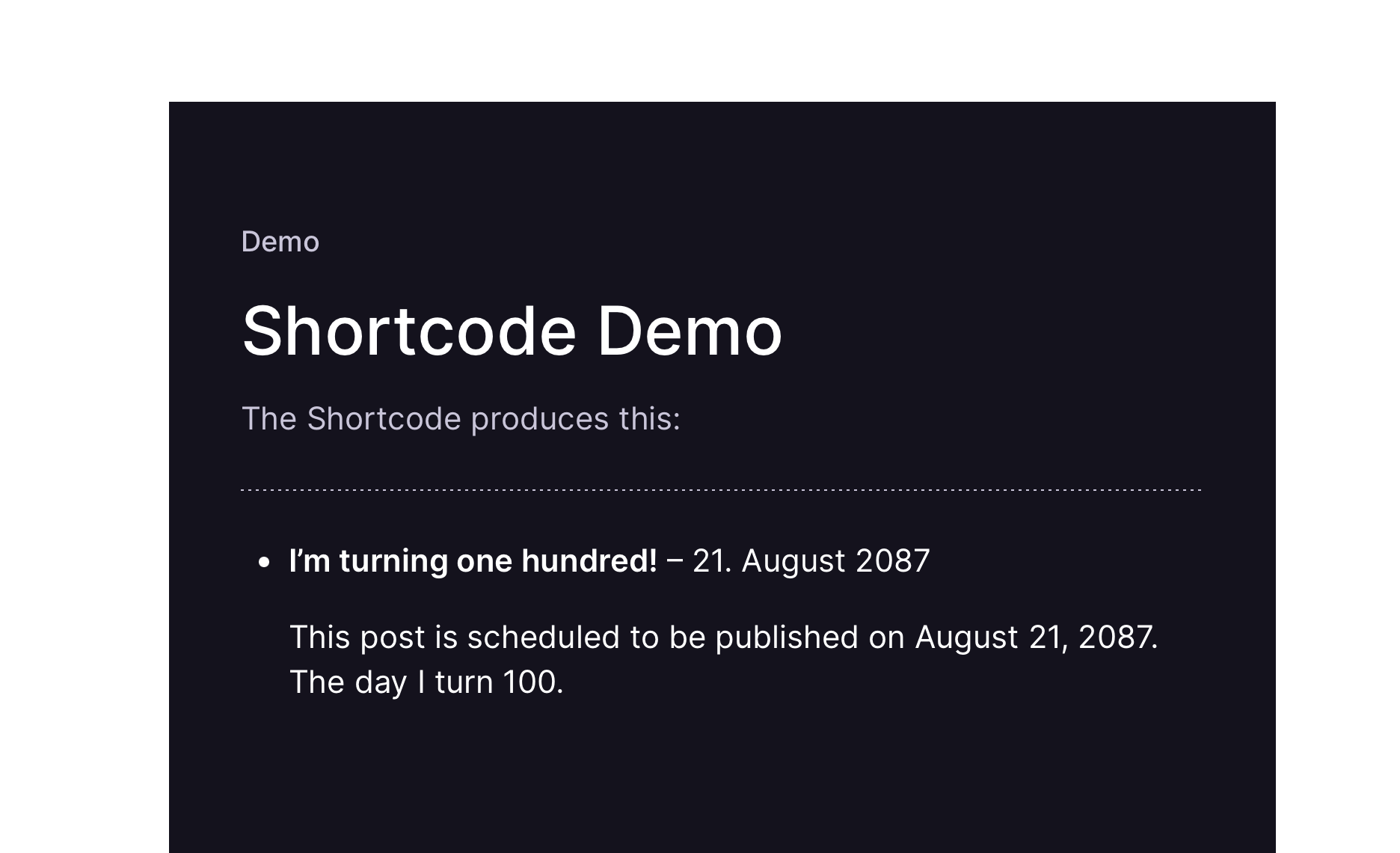
A shortcode, showing planned posts.
For one of my projects, I was looking for a WordPress Plugin that shows the next planned posts in a widget. The one Plugin in the WP Repository seemd too “strong” to me, I wanted something more minimalistic.
So, I did my own minimalistic Plugin.You can use it, improve on it and do with it, whatever you want.
Demo of the Plugin
[upcoming_posts]
How to use the Shortcode
Download the plugin
This link will always let you download the latest version of the pluginInstall & Activate
Install it via the WordPress Plugin Installer.
Plugins -> Install -> Upload the ZIP
-> Activate itUse the shortcode
The Shortcode is:[upcoming_posts]If you are using the Classic Editor:
Just put in the shortcode.If you are using the Gutenberg Editor:
Add a shortcode-block and paste in the shortcode.By default, it will show the next 5 upcoming posts. If you want to show a different number, use the numberposts attribute, e.g.
[upcoming_posts numberposts="10"]
I am working on a Version of this plugin that is a Block.
With it, you can place a block in the Gutenberg Editor.